For readers
Requesting a book
Ask the library to get a book it doesn't have, and follow what happens next.
If the library doesn’t have a book you want, you can ask them to consider it. The more people ask for the same title, the higher it climbs on the librarian’s list.
Send a request
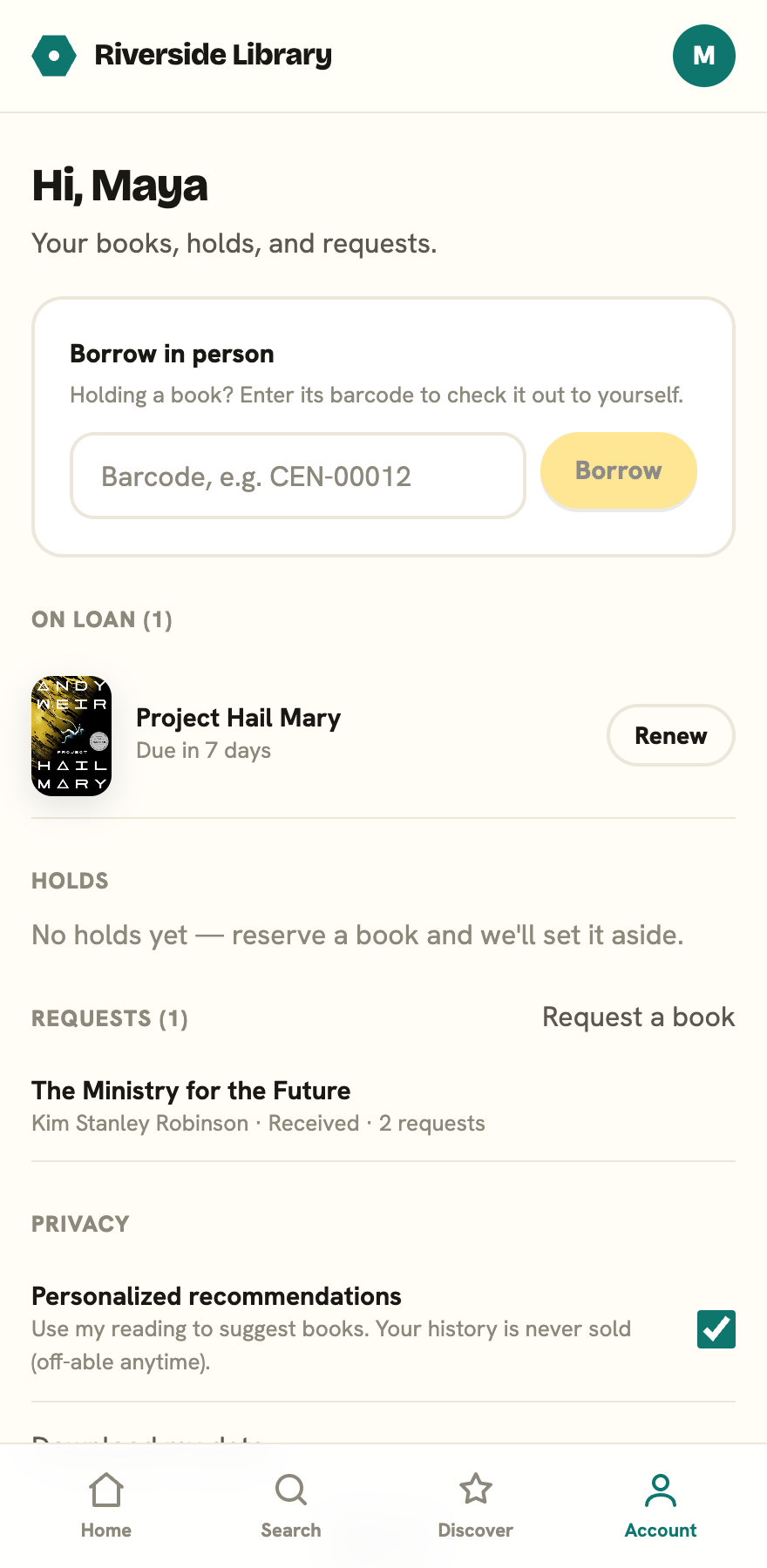
Open your account from the profile chip in the top right of the header, then find the Requests section. Tap Request a book, then:
- Type the Title you’re after.
- Add the Author if you know it.
- Tap Send request.
You can also reach this from a search that comes up empty: tap Request this book and the form opens with your search already filled in. You need to be signed in to send a request. If you aren’t, the app offers a Sign in to request it link first.
Following your request
Your requests stay listed in your account with their status:
- Received: the library has your ask.
- Under review: they’re considering it.
- Approved: they’ve decided to get it.
- Not this time: they’ve passed on it for now.
- Now in the library: it’s arrived and catalogued.
When a request reaches Now in the library, you get an email to let you know it arrived. A copy isn’t set aside automatically, so sign in to place a hold on it, or come by and borrow it.