For readers
Exploring with Discover
Wander your library as a constellation of connected books, and find ones that fit your taste.
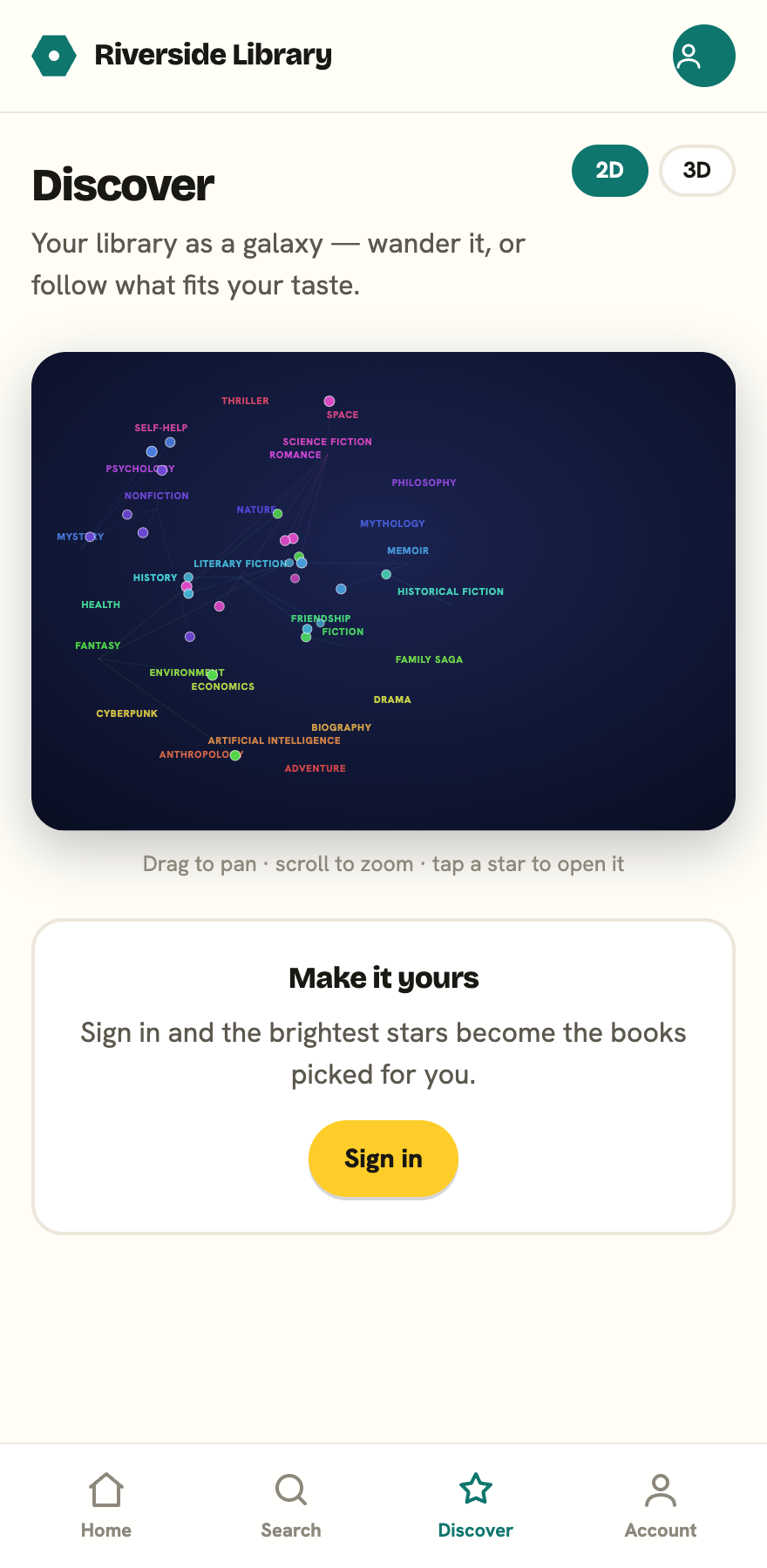
Discover is for when you don’t know exactly what you want. You open it from the Discover tile on your library’s homepage. It fills the screen, and the Library button at the top left brings you back. On a keyboard, Esc steps back out too: it closes an open book card first, then leaves the map. It shows the whole library as a constellation you can move through: one dot per book, coloured by the cluster it belongs to, with the books that fit your taste ringed and glowing.
The constellation
Books cluster by what they have in common: shared subjects, the same author, and books people tend to borrow together. Each cluster gets a colour and a label along the bottom of the map. Tap a label to spotlight just that cluster and dim everything else, which is the quickest way to see what else is in a corner you like. Tap any book to peek at it. A card slides up with its cover, its title, whether it’s available, and an Open button.
There’s one map, and it works the same on a phone, a tablet, or a desktop. Drag to pan, and scroll or pinch to zoom. The zoom follows your pointer or your fingers, so you can dive into a corner without losing it.
For you
If you’re signed in and have borrowed a few things, a For you row on your library’s homepage suggests books based on what you’ve read, and on the map those same picks are the ones ringed and glowing (their peek card is tagged “For you”). Your reading taste isn’t shown as a list in the app. To see the subjects and authors it has learned, download your data from Privacy on your account page.
If you’re new and haven’t borrowed yet, you’ll see Popular right now instead, until there’s enough to learn from. Borrow or reserve a few books and your suggestions will start to fit.
Sign in to make it yours
If your library’s catalogue is public, Discover works signed out, but the suggestions are general. Most libraries are members-only, in which case you’ll be asked to sign in before you can browse at all. Sign in and the ringed, glowing dots become books chosen for you. None of this is shared or sold; see Privacy & your data.