For admins
Exporting your data
Download everything in your library as a file. Your data is yours, with no lock-in.
Your catalog and records are yours, and getting them out is a button, not a support request. BeeShelf is built so you’re never trapped.
Export the whole library
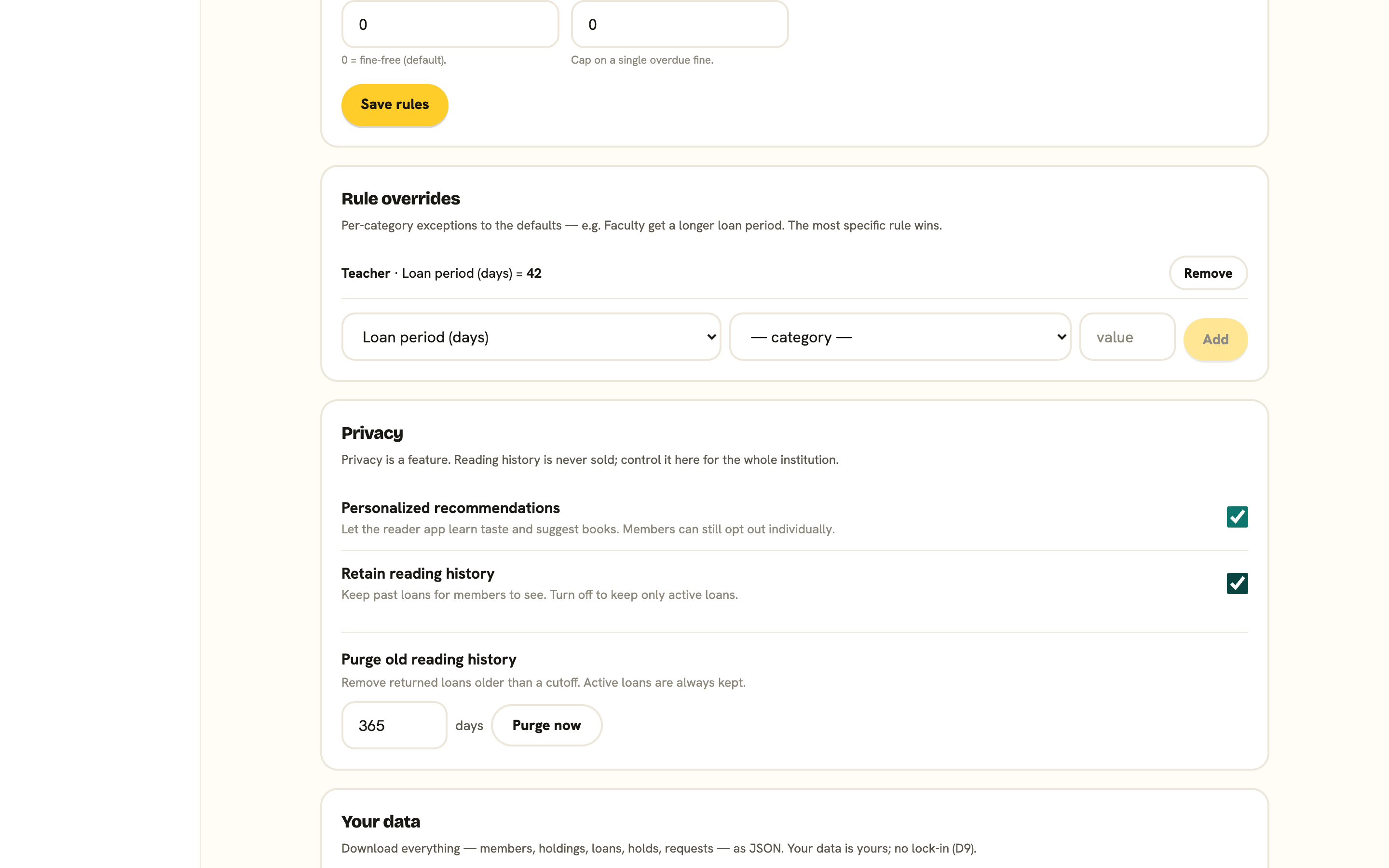
Exporting is an administrator action. In the Settings tab, which only administrators see, the Your data card has one button: Export library data. If you’re a librarian rather than an administrator, ask an administrator to run the export for you.
Press it, and BeeShelf prepares a single file containing your members, holdings, loans, holds, and requests. It downloads as beeshelf-your-slug-date.json, and you’ll see a summary like “Exported 412 members, 3,180 items, 1,902 loans.”
What members can export
Members don’t need to ask you for their own data. From the reader app’s Account page, opened from the profile chip in the header, Download my data gives each member a copy of their own loans, holds, requests, and history. See Privacy & your data.
Moving in and out
The same openness applies when you arrive. If you’re coming from another system, you can import your catalogue from a CSV (a Libib or any spreadsheet export) or a MARC file (.mrc or MARCXML, including Koha item fields), and your members from a roster CSV, rather than re-scanning everything. Both are dedup-safe and re-runnable. See Import your library. If you ever leave, your export goes with you.