For readers
Your account & self-checkout
See your loans, holds, and requests in one place, and borrow a book yourself.
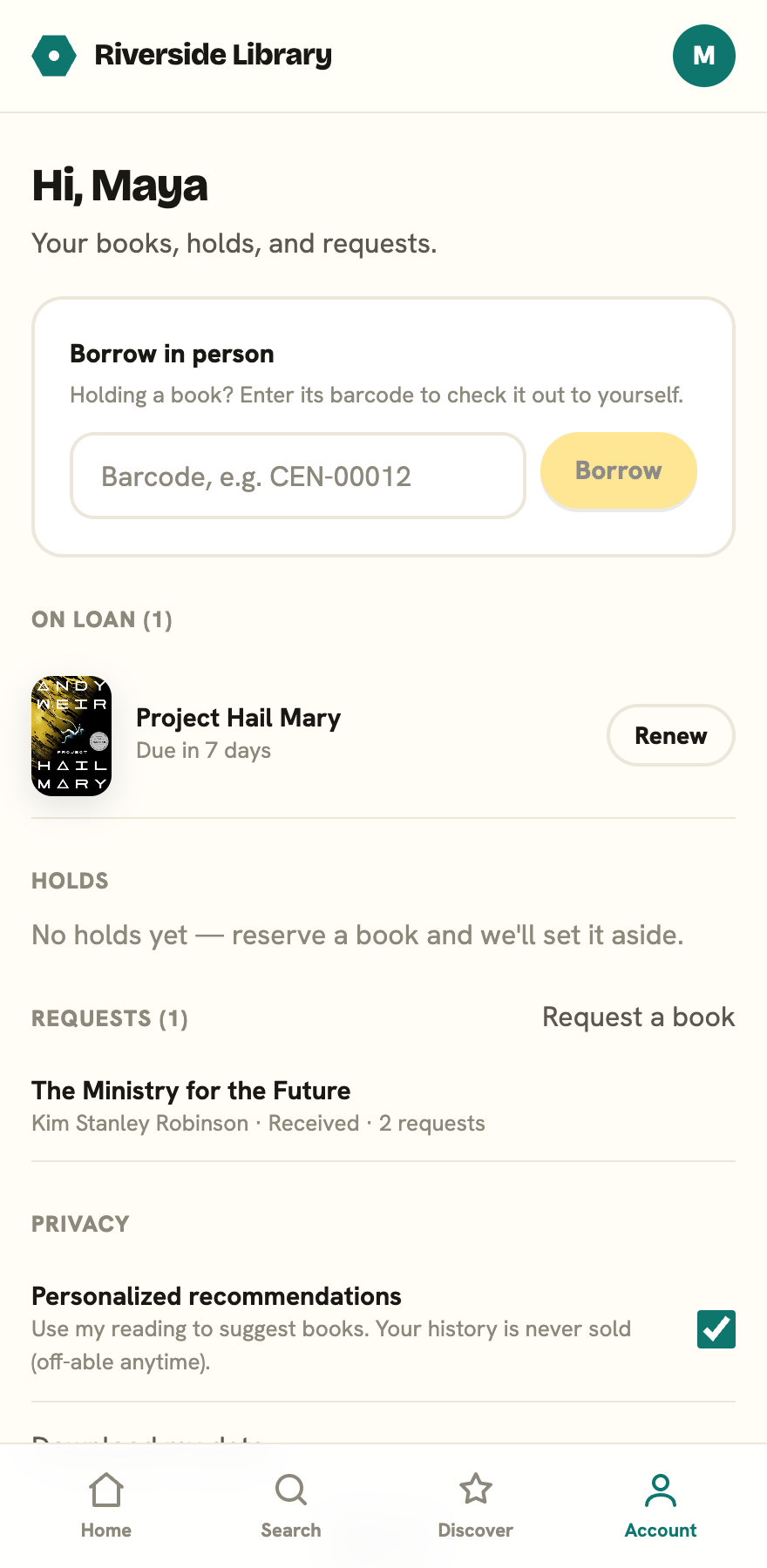
Your account page is your shelf within the library: what you have out, what you’re waiting on, what you’ve asked for, and your own settings.
What’s on your account
Tap the profile chip in the top right of the header to open it. Once you’re signed in, your account page greets you by name and gathers:
- On loan: your current books and their due dates. Overdue ones are highlighted, and each has a Renew button.
- Holds: books you’ve reserved, with their status. Every hold has a Cancel button, and one that’s still in the queue also has Pause and Resume. Once a hold is Ready to collect, only Cancel is left.
- Requests: books you’ve asked the library to get, with their status.
These are covered in Borrowing, holds & renewals and Requesting a book.
Borrow in person
If you’re standing in the library holding a book, you can check it out to yourself without queuing at the desk. In the Borrow in person card:
- Type the book’s barcode into the box. It’s printed on the copy’s label, for example
CEN-00012. - Tap Borrow.
You’ll see “Borrowed [title], due [date].” If the book can’t be self-checked (for example it’s reference-only), the app tells you why.
One thing to check first: borrowing is blocked until you confirm your email. If you haven’t, you’ll be told to confirm it before borrowing, and the banner at the top of the app will resend the link. Signing in with Google confirms your email for you.
Sign out
Use Sign out at the bottom of your account page when you’re done, especially on a shared or library computer.
Your privacy settings and data download also live on this page; see Privacy & your data.