Getting started
Welcome to BeeShelf
What BeeShelf is, the three places you'll use it, and how your library is addressed.
BeeShelf is a cloud library system. You catalog books by scanning them with a phone, lend and return them in a tap, and give your members a catalog they can search, browse, and explore from their own phones. Everything runs in the browser, so there’s no software to install and nothing to keep updated.
There are three places you’ll use it, each built for a different person.
The three surfaces
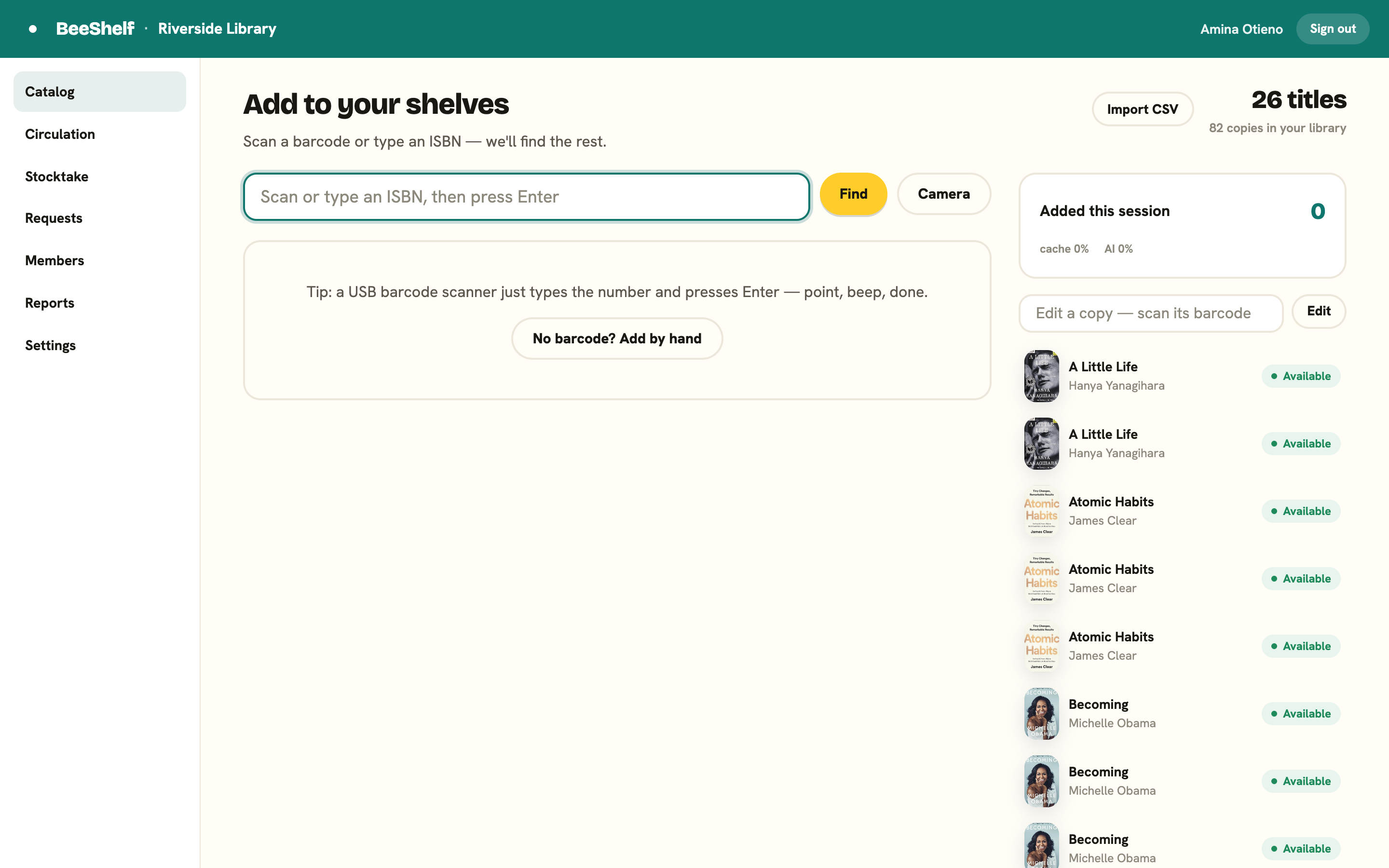
The Staff Console is where the library runs. Librarians catalog books, check them in and out, manage members, run a stocktake, see what readers are asking for, and change the settings. It’s built for a desktop or laptop, with a phone used as the scanner when you need to work away from the desk.
The reader app is what your members see. They search the shelves, discover books, borrow and reserve, and manage their own account, mostly from a phone. It carries your library’s name and colour, not ours.
Admin settings live inside the Staff Console, under Settings. That’s where you brand the library, set the lending rules, and look after privacy and your data. There’s no separate admin tool to learn.
Your library’s address
Every library on BeeShelf has its own web address, based on a short name (a “slug”) you choose when you sign up. If your slug is riverside, then:
- Readers open the app at
riverside.beeshelf.com - Staff work in the console at
riverside.beeshelf.com/staff - Anyone, staff or reader, can sign in at
app.beeshelf.com/loginwith their email and password. BeeShelf checks it against every library and sends you to the right one. Your own library’sriverside.beeshelf.com/loginworks too: it takes staff to the console and readers to the app, from the same form.
The two surfaces share the same address, just with /staff on the end for the console. Bookmark whichever one you use.
Where to go next
- If you’re a librarian setting up for the first time, read The ten-minute setup.
- If you just need to sign in, see Signing in.
- Otherwise, jump to the section for your role in the sidebar.